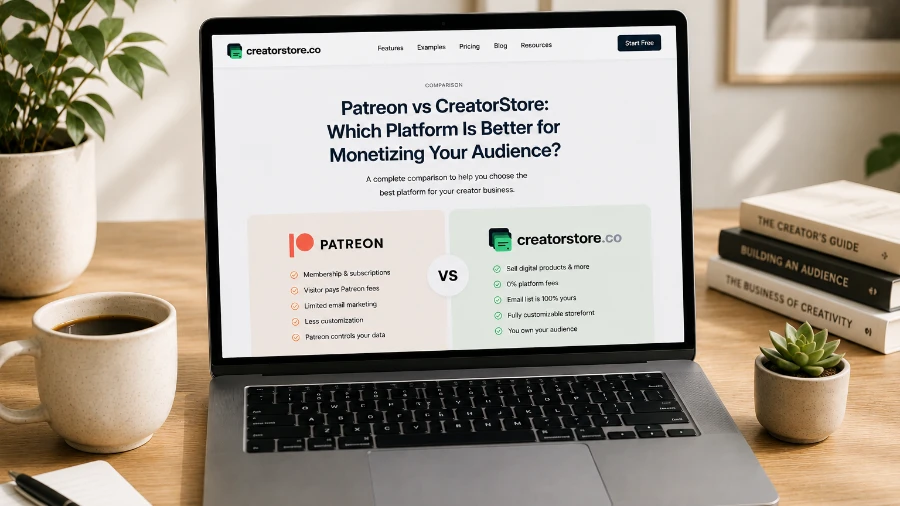
Choosing the right platform to monetize an audience depends on how you want to make money from your followers.
Some creators build their business around recurring memberships and exclusive content. Others sell digital products, coaching, consulting, or services.
Patreon and Creator Tree both help creators monetize their audiences, but they are designed around different business models.
Patreon focuses primarily on memberships, recurring revenue, exclusive content, and community. It also supports digital products and one-time purchases.
Creator Tree focuses on selling digital products and other creator offers through a storefront, including digital products, bundles, coaching calls, session packs, services, bookings, and webinars.
In this guide, we'll compare Patreon vs Creator Tree based on pricing, fees, digital products, memberships, community features, storefront functionality, coaching, services, and other monetization tools.
Patreon vs Creator Tree: The Key Difference
The easiest way to understand the difference is to look at the primary monetization model of each platform.
Patreon
Membership + Community + Digital Content + One-Time Purchases
Patreon is designed for creators who want to build long-term relationships with their audience through:
Paid memberships
Recurring subscriptions
Exclusive content
Community features
Chats
Polls
Comments
Video and audio content
Digital products
One-time purchases
The core Patreon model is:
Fan → Membership → Recurring Revenue
Digital products are another way creators can monetize their audience through one-time purchases.
Creator Tree
Digital Products + Bundles + Coaching + Services + Bookings + Webinars
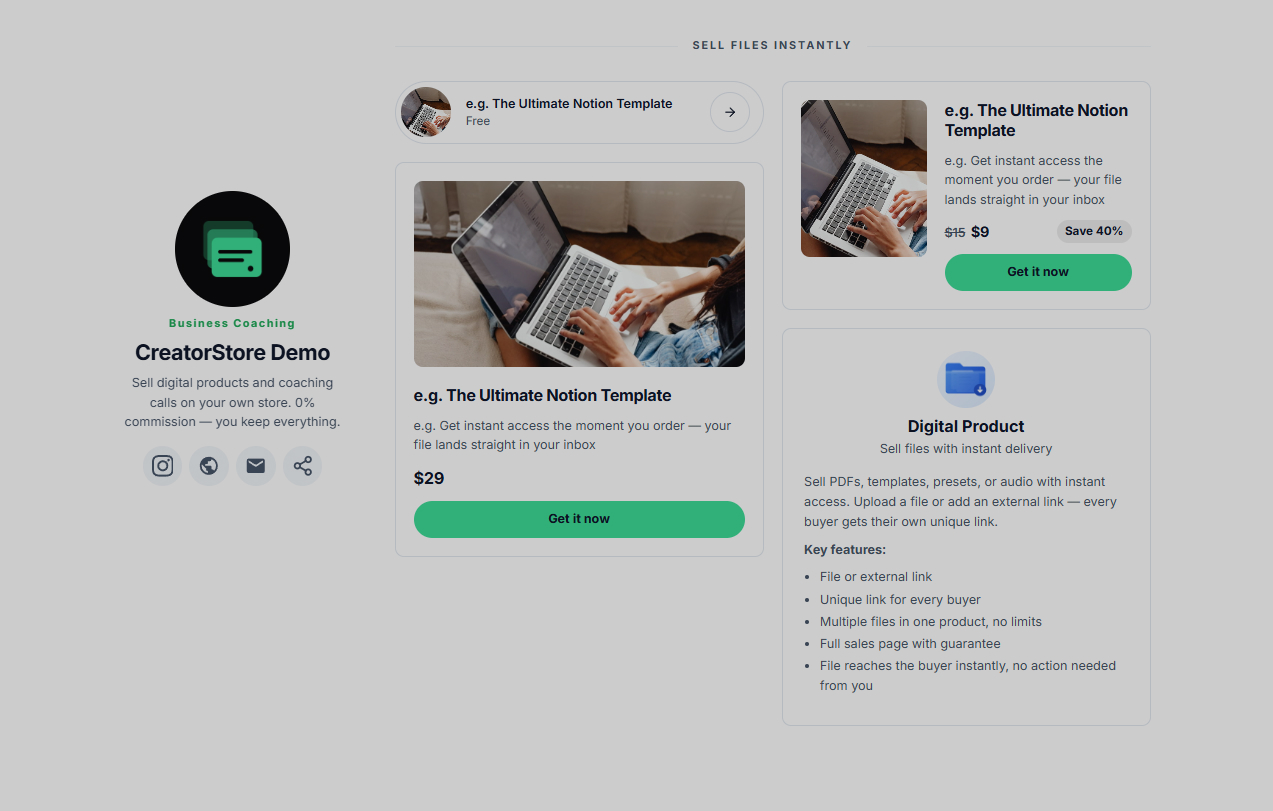
Creator Tree is designed as a creator storefront where you can sell different types of products and services from one place.
Creators can offer:
Digital Products
Bundles
Coaching Calls
Session Packs
Service Bookings
Webinars
Lead Magnets
Newsletters
Custom Services
The core Creator Tree model is:
Audience → Storefront → Product / Service / Booking → Purchase
This makes the two platforms different in their primary purpose.
Patreon is built around building a recurring membership business and community, while Creator Tree is built around selling digital products, services, coaching, and bookings through a creator storefront.
Patreon Pricing
One important difference between Patreon and Creator Tree is how they charge creators.
Patreon does not use traditional monthly subscription plans such as $19, $49, or $99 per month for creators.
For new creators who publish their Patreon page after August 4, 2025, Patreon uses a 10% platform fee model.
This means creators can start without paying a monthly subscription, but Patreon takes a percentage of successful payments.
The platform fee applies to eligible creator earnings, including:
Paid memberships
One-time purchases
Digital products
Additional fees may also apply depending on payment processing, currency conversion, and payout methods.
| Patreon | Cost |
|---|---|
| Create an account | $0 |
| Monthly subscription | $0 |
| Platform fee for new creators | 10% |
| Payment processing | Additional |
| Currency conversion | May apply |
| Payout fees | May apply |
| Digital product listing | $0 upfront |
This means Patreon does not require creators to pay a fixed monthly subscription just to start selling.
However, the platform takes a percentage of revenue when creators earn money.
Important: Patreon also has legacy creators who may still be on older fee structures. The 10% platform fee is the relevant standard for new creators under the current pricing model.
Creator Tree Pricing
Creator Tree uses a different business model.
Instead of taking a percentage of every sale as a platform commission, Creator Tree uses a subscription model with 0% platform commission.
| Creator Tree Plan | Monthly Price | Platform Commission |
|---|---|---|
| Free | $0/month | 0% |
| Paid Plan | $19/month | 0% |
Payment processing fees from the selected payment provider may still apply.
The main difference is therefore:
Patreon
$0/month → 10% platform fee for new creators
Creator Tree
Free Plan → 0% platform commission
Paid Plan → $19/month → 0% platform commission
This model can become particularly important as a creator's sales grow.
For example, if a creator generates $1,000 in eligible sales:
Patreon: 10% platform fee = $100
Creator Tree: 0% platform commission = $0
However, Patreon provides a broader membership and community ecosystem in exchange for its platform fee.
So the comparison is not simply about which platform is cheaper.
A more accurate way to describe the difference is:
Patreon uses a revenue-share model that gives creators access to its membership and community ecosystem without a monthly subscription. Creator Tree uses a subscription model with 0% platform commission, which can be more attractive for creators who generate significant direct sales.
Patreon vs Creator Tree: Pricing Comparison
| Patreon | Creator Tree | |
|---|---|---|
| Free to start | ✅ | ✅ |
| Monthly creator subscription | ❌ | Optional |
| Platform commission | 10% for new creators | 0% |
| Digital product sales | 10% platform fee | 0% platform commission |
| Membership revenue | 10% platform fee | ❌ |
| Payment processing | Additional | Payment provider fees may apply |
| Currency conversion | May apply | Depends on payment provider |
| Payout fees | May apply | Depends on payment provider |
The key question is therefore:
Would you rather pay a percentage of your revenue or a fixed monthly subscription?
For creators with low or unpredictable sales, a no-monthly-fee model may be attractive.
For creators generating consistent sales, a 0% platform commission model may become more cost-effective.
Patreon Memberships
Memberships are one of Patreon's biggest strengths.
Creators can build paid membership programs where fans subscribe to receive exclusive benefits.
For example:
$5/month — Exclusive posts, Community access
$15/month — Exclusive videos, Premium content
$50/month — Premium content, Exclusive community, Additional benefits
Patreon supports recurring subscriptions and monthly memberships. Eligible creators can also offer annual memberships.
The model is simple:
Fan → Monthly Subscription → Exclusive Content
This makes Patreon especially suitable for creators who want to build predictable recurring revenue.
Membership Comparison
| Feature | Patreon | Creator Tree |
|---|---|---|
| Paid Memberships | ✅ | ❌ |
| Monthly Subscriptions | ✅ | ❌ |
| Annual Memberships | ✅ | ❌ |
| Recurring Revenue | ✅ | ❌ |
| Membership Tiers | ✅ | ❌ |
If your business model is:
"Subscribe to me every month and get exclusive content."
Patreon is likely the stronger platform.
Sell Digital Products
This is where Patreon has become a much more direct competitor to Creator Tree.
Patreon now allows creators to sell digital products through its Shop as one-time purchases.
Creators can sell different types of digital content, including:
PDFs
Guides
eBooks
Templates
Audio
Video
Images
Downloadable files
Other digital content
Creator Tree also supports digital products and instant delivery.
Digital Products Comparison
| Feature | Patreon | Creator Tree |
|---|---|---|
| Digital Products | ✅ | ✅ |
| PDFs | ✅ | ✅ |
| eBooks | ✅ | ✅ |
| Templates | ✅ | ✅ |
| Guides | ✅ | ✅ |
| Audio | ✅ | ✅ |
| Video | ✅ | ✅ |
| Images | ✅ | ✅ |
| Downloadable Files | ✅ | ✅ |
| One-Time Purchases | ✅ | ✅ |
| Instant Delivery | — | ✅ |
Both platforms can therefore be used to sell digital products.
The difference is how digital products fit into the overall platform.
On Patreon, a digital product can be sold as:
One-Time Purchase
or offered as:
Exclusive Product for Members
This allows creators to combine memberships with digital commerce.
For example:
$15 Digital Product
or:
Included with $10/month Membership
This is a strong advantage for creators who want to combine recurring memberships with individual product sales.
Patreon Shop
Patreon has a dedicated Shop experience for digital products.
Creators can:
Create products
Upload digital content
Set a price
Sell products as one-time purchases
Make products available to members
Combine products with membership benefits
This means Patreon is no longer simply a membership platform.
A more accurate description is:
Membership + Community + Digital Commerce Platform
For creators who already have a strong audience on Patreon, the ability to sell one-time digital products can be a useful additional revenue stream.
Digital Product Bundles
Creator Tree has a dedicated Bundle product type.
Creators can combine several digital products into one offer and sell them at a discounted price.
For example:
Template A — $29
Template B — $29
Guide — $29
Total separately: $87
Bundle: $59
This allows creators to increase the value of an order and encourage customers to purchase multiple products at once.
| Feature | Patreon | Creator Tree |
|---|---|---|
| Digital Products | ✅ | ✅ |
| Product Bundles | ❌ | ✅ |
For creators with multiple digital products, Bundles can be a useful way to create higher-value offers.
Community
Community is another major strength of Patreon.
The platform is designed not only to sell content but also to help creators build relationships with their members.
Patreon supports features such as:
Community chats
Comments
Polls
Member interactions
Exclusive content feeds
Community Comparison
| Feature | Patreon | Creator Tree |
|---|---|---|
| Community | ✅ | ❌ |
| Group Chats | ✅ | ❌ |
| Comments | ✅ | ❌ |
| Polls | ✅ | ❌ |
| Member Feed | ✅ | ❌ |
This makes Patreon particularly strong for creators who want to build a private community around their content.
For example:
Creator → Membership → Exclusive Content → Community
Creator Tree has a different focus. Its primary purpose is to help creators build a storefront and sell products and services.
Coaching Calls
Creator Tree has a dedicated Coaching Call product type.
Creators can sell:
1:1 consultations
Coaching
Discovery calls
Paid calls
Customers can see available time slots and book a consultation.
| Feature | Patreon | Creator Tree |
|---|---|---|
| Coaching Calls | ❌ | ✅ |
| Built-in Booking | ❌ | ✅ |
| Calendar Sync | ❌ | ✅ |
| Session Scheduling | ❌ | ✅ |
Creator Tree is therefore better suited to creators whose monetization model includes selling their time and expertise.
The workflow is:
Offer → Checkout → Calendar → Booking
This is different from Patreon's primary membership-based model.
Session Packs
Creator Tree also allows creators to sell Session Packs.
For example:
1 Coaching Call — $50
5 Coaching Sessions — $200
This allows coaches, consultants, mentors, and experts to sell multiple sessions as one package.
| Feature | Patreon | Creator Tree |
|---|---|---|
| Session Packs | ❌ | ✅ |
This can help creators move from one-off consultations toward higher-value packages.
Service Bookings
Creator Tree also supports Service Bookings.
This can be useful for creators and professionals who sell services such as:
Photography
Design
Consulting
Training
Events
Creative services
Creators can use scheduling and flexible payment options, including:
Full payment
Deposits
Installments
| Feature | Patreon | Creator Tree |
|---|---|---|
| Service Bookings | ❌ | ✅ |
| Scheduling | ❌ | ✅ |
| Deposits | ❌ | ✅ |
| Installments | ❌ | ✅ |
This gives Creator Tree a broader commerce use case for creators who monetize not only through digital products but also through their expertise and services.
Webinars
Creator Tree also includes a Webinar product type.
Creators can:
Run live webinars
Host group sessions
Set a schedule
Limit seats
Sell access to events
| Feature | Patreon | Creator Tree |
|---|---|---|
| Webinars | ❌ | ✅ |
| Live Group Sessions | ❌ | ✅ |
| Seat Limits | ❌ | ✅ |
Patreon can be used to publish video and other content to members, but Creator Tree provides a more dedicated format for selling access to live events and group sessions.
Native Video and Media
Patreon has an advantage for creators who publish a lot of video and audio content.
Creators can publish:
Videos
Audio
Podcasts
Images
Posts
Collections
Content can be:
Public
Members-only
Available as a one-time purchase
Patreon also offers native video hosting for eligible creators.
Creator Tree has a different approach. Its storefront can include features such as:
Video & Links Carousel
Photo Gallery
Links Block
Testimonials
Text Block
The difference is essentially:
Patreon
Content Publishing → Membership → Community
Creator Tree
Storefront → Product → Purchase
Audience and Email Collection
Both platforms can help creators build an audience, but they approach this differently.
Patreon is primarily designed around building a community inside the Patreon ecosystem.
Creators can:
Publish content
Communicate with members
Build communities
Generate recurring revenue
Creator Tree focuses more heavily on helping creators build an owned email audience through tools such as:
Lead Magnets
Newsletter forms
Feedback Forms
The models are therefore different.
Patreon: Build a community inside the platform.
Creator Tree: Build an email audience and use your storefront as the commerce layer.
For creators who want to build an independent customer list and use it across marketing channels, email ownership can be an important consideration.
Link-in-Bio and Storefront
One of the biggest differences between Patreon and Creator Tree is the role of the storefront itself.
Creator Tree is designed to function as a creator storefront and link-in-bio page.
A creator can use one page to combine:
Digital Products
Bundles
Coaching
Session Packs
Services
Bookings
Webinars
Lead Magnets
Email collection
Social links
Content
Testimonials
This means your audience can arrive from:
Instagram
TikTok
YouTube
LinkedIn
X
Other social networks
and access multiple ways to buy from one storefront.
Patreon is primarily designed around the creator's Patreon page and membership ecosystem rather than a broader link-in-bio storefront.
Custom Domain and SEO
Creator Tree also focuses on storefront ownership and discoverability.
Creators can use:
Custom domains
Product-level SEO
Custom page titles
Meta descriptions
Social preview images
This allows creators to build a storefront that can function more like a standalone website.
For example:
yourname.com
instead of relying only on a platform URL.
Product-level SEO can also help creators optimize individual pages for search queries related to their products.
For example:
Notion Templates
Instagram Content Templates
Photography Presets
Business Guides
Online Coaching
This can help creators use their storefront as an additional organic traffic channel.
Full Patreon vs Creator Tree Feature Comparison
| Feature | Patreon | Creator Tree |
|---|---|---|
| Free to Start | ✅ | ✅ |
| Digital Products | ✅ | ✅ |
| One-Time Purchases | ✅ | ✅ |
| Memberships | ✅ | ❌ |
| Recurring Subscriptions | ✅ | ❌ |
| Annual Memberships | ✅ | ❌ |
| Community | ✅ | ❌ |
| Group Chats | ✅ | ❌ |
| Comments | ✅ | ❌ |
| Polls | ✅ | ❌ |
| Native Video Hosting | ✅ | ❌ |
| Audio Content | ✅ | ✅ |
| Digital Downloads | ✅ | ✅ |
| Product Bundles | ❌ | ✅ |
| Coaching Calls | ❌ | ✅ |
| Session Packs | ❌ | ✅ |
| Service Bookings | ❌ | ✅ |
| Deposits | ❌ | ✅ |
| Installments | ❌ | ✅ |
| Webinars | ❌ | ✅ |
| Link-in-Bio Storefront | ❌ | ✅ |
| Landing Pages | ❌ | ✅ |
| Custom Domain | ❌ | ✅ |
| Product-Level SEO | ❌ | ✅ |
| Email Collection | — | ✅ |
| Lead Magnets | ❌ | ✅ |
| Newsletter | ❌ | ✅ |
| Testimonials | ❌ | ✅ |
| Photo Gallery | ❌ | ✅ |
| 0% Platform Commission | ❌ | ✅ |
| Platform Fee | 10% for new creators | 0% |
| Monthly Subscription Required | ❌ | Optional |
Who Should Choose Patreon?
Patreon is a strong choice if your business is built around:
Recurring memberships
Exclusive content
Community
Fan relationships
Video
Podcasts
Ongoing content
Recurring monthly revenue
For example:
YouTuber → Exclusive Videos → Monthly Membership
or:
Musician → Exclusive Music → Fan Membership
or:
Artist → Behind-the-Scenes Content → Community
Patreon is built around the idea that your audience pays you repeatedly over time.
Who Should Choose Creator Tree?
Creator Tree may be a better fit if you want to build a storefront around:
Digital Products
Product Bundles
Coaching Calls
Session Packs
Service Bookings
Webinars
Lead Magnets
Email collection
For example:
Creator → Digital Product → One-Time Purchase
or:
Coach → Coaching Call → Booking
or:
Consultant → Service → Deposit → Appointment
or:
Creator → Multiple Digital Products → Bundle → Discounted Purchase
Creator Tree is designed around selling different types of offers from one storefront.
Patreon vs Creator Tree: Which Platform Is Better for Monetizing Your Audience?
The answer depends on how you want to monetize your audience.
Patreon is better if:
You want to build a membership-based creator business where fans pay recurring subscriptions in exchange for exclusive content and community access.
Creator Tree is better if:
You want to build a creator storefront where customers can purchase digital products, Bundles, Coaching Calls, Session Packs, Services, and Webinars.
The core difference can be summarized like this:
Patreon monetizes the relationship with your fans.
Creator Tree monetizes the products and services you sell to your audience.
There is, however, some overlap.
Patreon now allows creators to sell digital products through one-time purchases, while Creator Tree allows creators to collect emails and build an audience.
But their primary business models remain different.
Final Comparison: Patreon vs Creator Tree
| If you want to... | Better Fit |
|---|---|
| Build a paid membership | Patreon |
| Generate recurring revenue | Patreon |
| Create a private community | Patreon |
| Sell exclusive content | Patreon |
| Host native video | Patreon |
| Sell digital products | Both |
| Sell digital product Bundles | Creator Tree |
| Sell Coaching Calls | Creator Tree |
| Sell Session Packs | Creator Tree |
| Sell Services | Creator Tree |
| Accept deposits | Creator Tree |
| Accept installments | Creator Tree |
| Sell Webinars | Creator Tree |
| Build a Link-in-Bio storefront | Creator Tree |
| Use a Custom Domain | Creator Tree |
| Optimize product pages for SEO | Creator Tree |
| Pay 0% platform commission | Creator Tree |
Bottom Line
Patreon and Creator Tree solve related but different problems.
Patreon is strongest when the goal is to turn an audience into a recurring membership community.
Its biggest strengths are:
Memberships + Recurring Revenue + Community + Exclusive Content + Native Media
Creator Tree is strongest when the goal is to turn an audience into customers.
Its strengths are:
Digital Products + Bundles + Coaching + Session Packs + Services + Bookings + Webinars
For a creator who wants to build a business around recurring fan support, Patreon is a natural choice.
For a creator who wants to sell products and services directly from a branded storefront, Creator Tree offers a different approach.
The most important question is therefore:
Do you want your audience to subscribe to you, or do you want your audience to buy from you?
If the answer is subscribe, Patreon may be the better fit.
If the answer is buy, especially when you sell a combination of digital products, coaching, services, and bookings, Creator Tree may be the better option.
For creators who want both models, the two platforms can potentially serve different roles:
Patreon can be the membership and community layer.
Creator Tree can be the commerce and storefront layer.
Ultimately, the right platform depends on your monetization strategy. If your primary goal is recurring fan support and a members-only community, Patreon is likely the stronger choice. If your goal is to create a branded storefront where you can sell digital products and expand into coaching, services, bookings, and other offers, Creator Tree provides a broader storefront-focused approach.
Patreon vs Creator Tree: Key Takeaways
The biggest difference between Patreon and Creator Tree is what you are trying to monetize.
Patreon is primarily built around recurring relationships with your audience.
Creator Tree is primarily built around selling products and services to your audience.
Choose Patreon if your main goal is:
Building a paid membership
Generating recurring monthly revenue
Offering exclusive content
Creating a private community
Publishing ongoing video, audio, or podcast content
Giving members access to exclusive benefits
Choose Creator Tree if your main goal is:
Selling digital products
Creating product bundles
Selling coaching calls
Selling session packages
Accepting service bookings
Selling services with deposits or installments
Hosting paid webinars
Building a branded link-in-bio storefront
Collecting emails and building your own audience
Using a custom domain
Optimizing product pages for SEO
Selling without a platform commission
Patreon vs Creator Tree: Which One Is Better?
There is no single winner for every creator because the platforms are designed around different monetization strategies.
If your business is based on recurring memberships and community, Patreon has a clear advantage.
If your business is based on selling digital products and different types of offers, Creator Tree provides a more commerce-focused approach.
The distinction can be summarized in one sentence:
Patreon helps creators monetize their audience through memberships and recurring support, while Creator Tree helps creators turn their audience into customers through a branded storefront.
For creators selling digital products, both platforms can be relevant.
However, Creator Tree extends the storefront beyond digital downloads. A creator can combine digital products, bundles, coaching, session packs, services, bookings, and webinars in one place.
That makes it particularly useful for creators whose business evolves over time.
You might start by selling:
A $19 digital guide
Then add:
A $49 template bundle
Then:
A $100 coaching call
And eventually:
A $500 service package
All of these offers can live within the same Creator Tree storefront.
Can You Use Patreon and Creator Tree Together?
Yes. For some creators, the platforms could potentially complement each other rather than directly compete.
For example:
Patreon — used for:
Memberships
Recurring subscriptions
Exclusive content
Community
Member-only benefits
Creator Tree — used for:
Digital products
Product bundles
Coaching
Session packs
Services
Bookings
Webinars
A creator could therefore use Patreon to build a recurring membership business while using Creator Tree as a commerce storefront for products and services.
However, creators who want to keep their business simple may prefer to choose one primary platform and avoid sending their audience across multiple services.